IFC & Revit ingestion
Architecture, structure and MEP models are loaded and kept as separate, switchable layers.
Solution / Platform
Upload BIM models, explore architecture, structure and MEP in the twin viewer and talk to the model in natural language. Model elements are linked to sensors, documents and activities in the ConTxT project graph. Behind it sits BIMON’s experience in BIM management and information management under ISO 19650.
What is BIM Connector?
BIM Connector links BIM / IFC models to live data: sensors, documents, schedules and maintenance are attached to model elements, so the model becomes the interface to the real asset and decisions flow back to BIM and the schedule.
Data flow
Capabilities
Architecture, structure and MEP models are loaded and kept as separate, switchable layers.
Ask questions about elements, quantities and systems in natural language.
Sensors, documents, maintenance and schedule activities are attached to the elements they describe.
Anomalies detected by the agents appear on the element and the zone where they happen.
Model elements are aligned with schedule activities to measure progress.
IFC as the exchange format, so models from any authoring tool can be connected.
How it works
Collect · Input Layer
BIM, IoT, ERP and field captures normalised into one project graph - no manual mapping.
Act · Action Layer
Push decisions back into ERP, CAFM, BIM and the field - automatically, with full audit trail.
Case studies
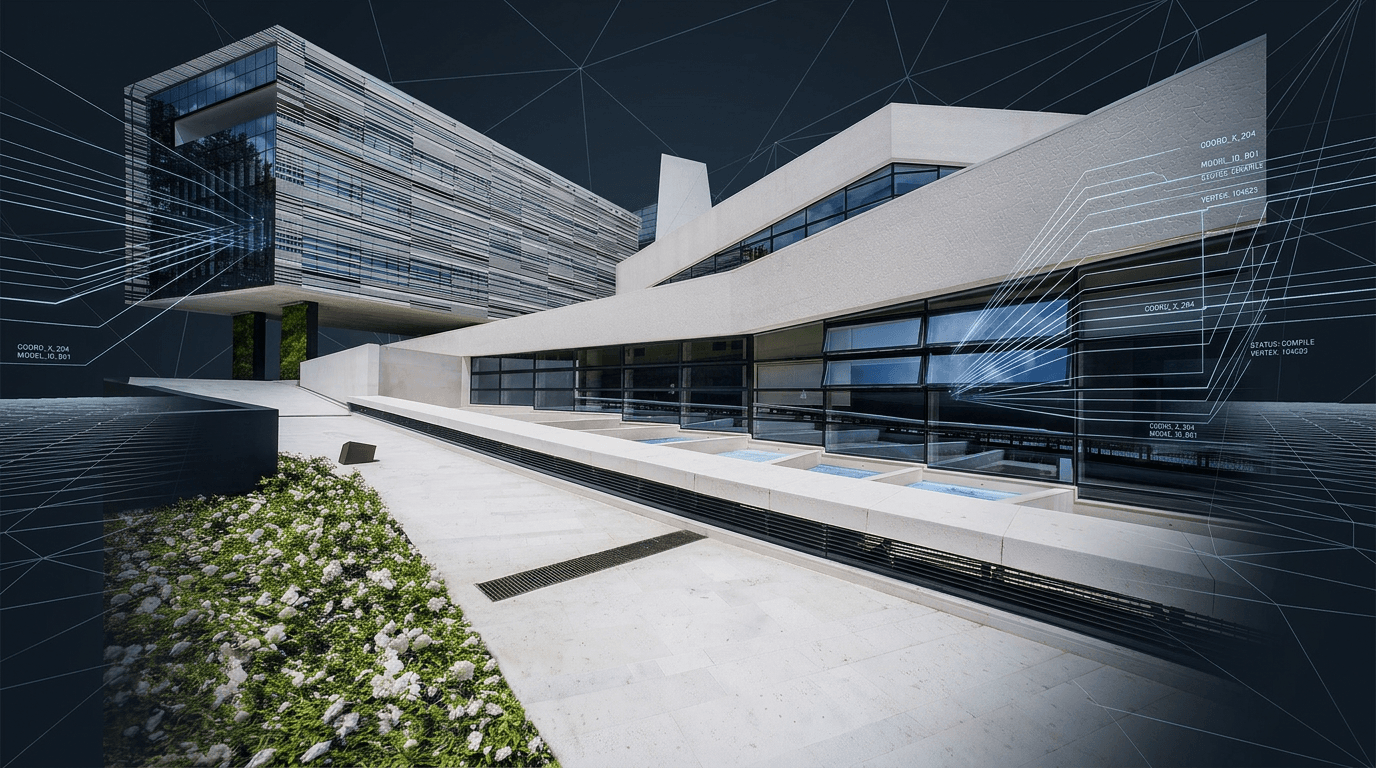
Impresa Costruzioni Ing. Enrico Pasqualucci S.r.l.
AI models compare BIM 4D planning with site data (images, scans) to automatically assess work progress.
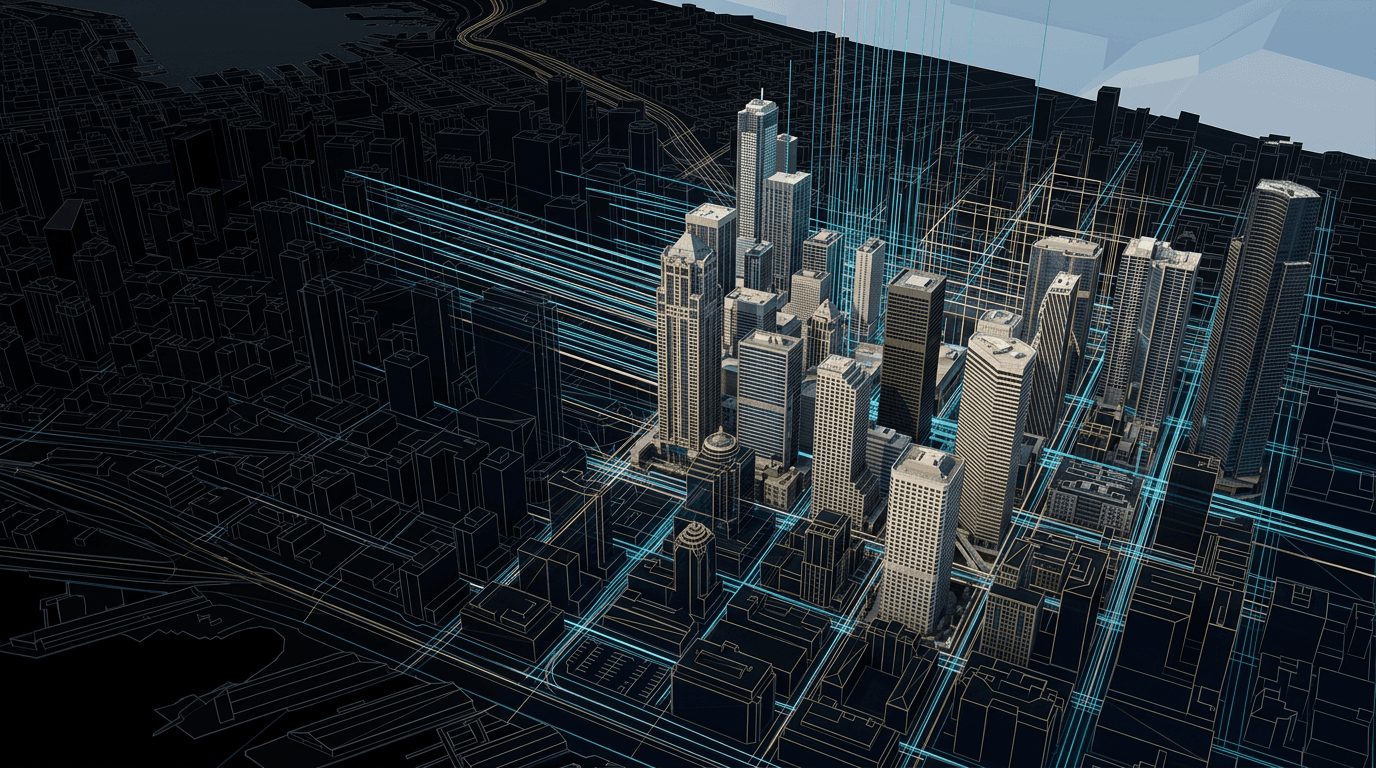
Confidential client
Integration of IoT sensors, video analytics, and BIM models to detect and track safety risks in real time.
FAQ
IFC and Autodesk Revit models, viewed through Autodesk Platform Services in the assetOS twin viewer.
Data flows from the field to the model (sensors, issues, progress attached to elements) and decisions flow back to the schedule and to the systems where work is executed.
It helps but it is not required. Where no model exists, BIMON can produce one from laser scans (Scan to BIM).
Related
Live progress tracking from BIM, drone, and sensor data.
Learn more →InfrastructurePredictive maintenance and condition monitoring for physical assets.
Learn more →PlatformExtract, classify, and query across contracts, RFIs, and submittals.
Learn more →ConstructionAI-powered incident detection and compliance verification.
Learn more →InfrastructurePersistent virtual representations updated from sensor streams.
Learn more →